
WooCommerce vs. Shopify: Which Is Right for You?
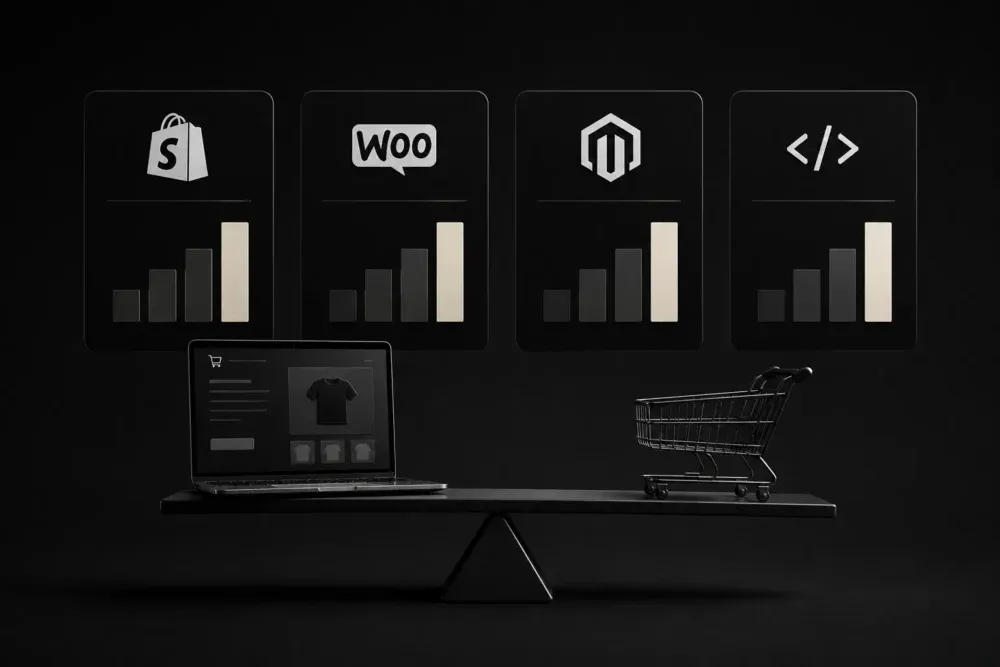
You’ve narrowed your online store down to two platforms, and now you’re stuck. WooCommerce and Shopify both run millions of stores, and both can handle a small business selling physical products. You’re choosing which tradeoffs to own: cost and control with WooCommerce, or convenience and a monthly bill with Shopify.
WooCommerce vs. Shopify at a Glance
| Factor | WooCommerce | Shopify |
|---|---|---|
| Platform cost | Free (plugin), you pay for hosting | $39–$399/month, plus add-ons |
| Hosting | You choose and manage it | Included, managed by Shopify |
| Setup difficulty | Requires WordPress knowledge or a developer | Guided setup, minimal technical skill needed |
| Customization | Full control over code and functionality | Limited to what apps and themes allow |
| Ongoing maintenance | You handle updates, security, backups | Shopify handles it for you |
| Best for | Stores that need custom features or already run WordPress | Owners who want to launch fast without managing infrastructure |
What WooCommerce Gets You
WooCommerce is a plugin, not a platform. It turns a WordPress site into a store. You own the site, the data, and the code. Nobody can raise your monthly platform fee, because there isn’t one.
That ownership comes with a job attached. You pick the hosting, install security updates, and troubleshoot plugin conflicts when two extensions don’t play well together. A store built on WooCommerce without a maintenance plan tends to break at the worst possible moment, usually during a sale.
WooCommerce wins for stores that need something specific: a custom checkout flow, a subscription model Shopify’s apps don’t support well, or deep integration with an existing WordPress site. If you already run WordPress content and want the store built into it, WooCommerce keeps everything in one place.
What Shopify Gets You
Shopify is a complete platform. Hosting, security, and updates come with the subscription. You sign up, pick a theme, add products, and the store is live. Support exists when something breaks, and you’re not the one patching it.
The convenience has a ceiling. Shopify’s monthly fee starts at $39 and climbs with your feature needs. Many of the features that feel essential (advanced reporting, certain payment options, specific shipping rules) live behind paid apps, so the real monthly cost often runs higher than the plan price alone.
Shopify wins for owners who want to sell products without becoming a part-time systems administrator. If your priority is launching quickly and spending your time on the business instead of the backend, Shopify removes a category of work entirely.
Cost Comparison: Real Numbers
The sticker price hides most of the story. Here’s what each platform costs across a full year for a small store:
| Cost item | WooCommerce | Shopify |
|---|---|---|
| Platform/hosting | $120–$600/year | $468–$4,788/year |
| Theme | $0–$100 one-time | $0–$350 one-time |
| Transaction fees | Depends on payment gateway, typically 2.9% + $0.30 | 2.9% + $0.30 with Shopify Payments, or an extra 0.5–2% with outside processors |
| Apps/plugins | $0–$500/year depending on needs | $0–$1,000+/year depending on needs |
| Maintenance | DIY, or $50–$300/month for a managed plan | Included |
WooCommerce comes out cheaper on paper. It also asks you to either do the maintenance yourself or pay a developer to do it, which closes most of the gap for a business that isn’t comfortable managing a website.
Which One Fits Your Business
Pick WooCommerce if you already run WordPress, want full ownership of your code and data, or need a feature Shopify’s app ecosystem doesn’t handle well. It rewards people who either enjoy the technical side or have a developer on call.
Pick Shopify if you want to sell products without learning web hosting, and you’d rather pay a predictable monthly fee than manage servers yourself. It rewards people who want their time going into products and marketing, not backend maintenance.
The decision affects your total website cost too. A WooCommerce build with a developer often runs close to a comparable Shopify build once you price in setup and customization, so run both numbers before you commit to a platform based on the sticker price alone.
Common Mistakes When Choosing a Platform
- Picking WooCommerce with no maintenance plan. Updates and security patches don’t apply themselves. Budget for a developer or a managed hosting plan from day one.
- Picking Shopify and ignoring app costs. The base plan rarely covers everything a real store needs. Price out the apps you’ll use before comparing monthly fees.
- Choosing based on what a competitor uses. Their catalog size, team, and technical comfort aren’t yours. Match the platform to your business, not someone else’s.
- Underestimating migration cost. Switching platforms later means rebuilding product data, redirects, and design. Get the choice right the first time if you can.
Frequently Asked Questions
Is WooCommerce cheaper than Shopify?
On platform fees alone, yes. Once you add hosting, a developer for setup, and ongoing maintenance, the gap narrows, especially for a store owner who isn’t comfortable managing WordPress themselves.
Can I switch from Shopify to WooCommerce later?
Yes, though it takes work. You move product data, images, and SEO redirects, and a developer rebuilds the design from scratch. Most stores that switch hire a developer for the migration rather than doing it themselves.
Which platform is better for SEO?
Both can rank well. WooCommerce, built on WordPress, gives you more direct control over technical SEO details. Shopify handles the basics automatically but limits some advanced customization. The bigger factor in most cases is the content and site structure, not the platform.
Do I need a developer for WooCommerce?
Not always, but plan on one for anything beyond a basic setup. Custom checkout flows, specific integrations, and troubleshooting plugin conflicts usually need someone with WordPress experience.
Choosing the Right Platform for Your Store
Neither platform is the wrong answer. WooCommerce fits a business that wants control and is willing to manage it. Shopify fits a business that wants to sell and hand off the backend to someone else. The mistake is picking a platform because it’s popular, not because it matches how you want to run your store.
If you want a second opinion on which platform fits your business, or you need the store built and configured properly on either one, I’d be glad to help. Take a look at my web design services, or get in touch to talk through your project and get a straightforward recommendation.
Categories:
Last update: