The Website Design Process, Step by Step
Hiring a designer means handing over weeks of your business’s front door to someone else’s process. Knowing what that process looks like, in order, with real timelines, makes it easier to spot a designer who has one and one who’s making it up as they go. Here’s how a website project moves from a first conversation to a live site.
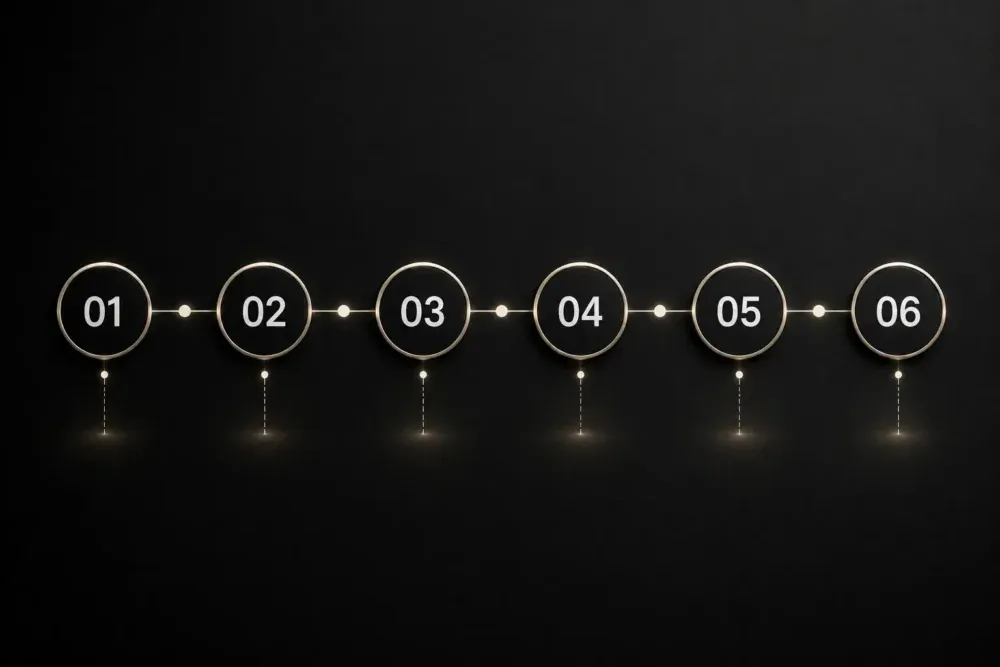
The Process at a Glance
| Step | What Happens | Typical Duration |
|---|---|---|
| 1. Discovery | Understand your business, audience, and goals | 1–3 days |
| 2. Sitemap and content planning | Map out pages and what each one needs to say | 2–5 days |
| 3. Design concepts | Build the visual direction and homepage layout | 1–2 weeks |
| 4. Revisions | Refine the design based on your feedback | 3–7 days |
| 5. Development | Build the remaining pages and functionality | 1–3 weeks |
| 6. Content and copy | Finalize written content and images across every page | 3–10 days |
| 7. Testing | Check every page on desktop and mobile, fix issues | 2–4 days |
| 8. Launch | Move the site to your live domain | 1–2 days |
Step 1: Discovery
Before any design work starts, a designer needs to understand the business: who your customers are, what you want visitors to do, and what’s working or failing on your current site if you have one. Skip this step and every later decision gets built on guesswork.
Step 2: Sitemap and Content Planning
This is where the site’s structure gets mapped out: which pages exist, what order they appear in navigation, and what each page needs to accomplish. A clear sitemap here prevents a scramble to figure out page structure mid-build.
Step 3: Design Concepts
The designer builds a visual direction, typically starting with the homepage, so you can react to layout, color, and tone before the full site gets built around it. This is the stage where the biggest creative decisions get made.
Step 4: Revisions
You give feedback, the designer refines the concept. A well-scoped project builds a set number of revision rounds into the price, so neither side is guessing where the process ends.
Step 5: Development
Once the design is approved, the remaining pages get built: interior pages, forms, any custom functionality like booking or e-commerce. This is usually the longest stretch of the timeline.
Step 6: Content and Copy
Every page needs final text and images in place before launch. Some projects include copywriting in the build; others expect the client to supply finished content. Confirm which one you’re getting before the project starts, since this step causes more delays than any other.
Step 7: Testing and Quality Check
Before launch, every page gets checked on desktop and mobile: broken links, slow-loading images, and forms that don’t submit correctly all get caught and fixed here.
Step 8: Launch
The finished site moves from a temporary address to your live domain. A well-run launch takes a day or two and includes a final check that nothing broke in the move.
Step 9: Post-Launch Support
A good process doesn’t end at launch. Most designers include a short support window for fixes and questions once the site is live, and it’s worth confirming upfront what happens if something needs updating six months later.
How Long the Whole Process Takes
A straightforward five-page site typically runs three to six weeks from discovery to launch. A larger site with custom features or e-commerce can run eight to twelve weeks. Timeline and cost move together: this breakdown of small business website cost lines up price against scope, which drives most of the timeline difference too.
This Process Assumes You’ve Already Decided to Hire
Everything above applies once you’ve chosen to work with a designer rather than build the site yourself. If you’re still weighing that decision, this comparison of DIY builders and hiring a designer covers the tradeoffs before you commit to either path.
Frequently Asked Questions
How long does a typical website project take?
Three to six weeks for a standard business site, and eight to twelve weeks for a larger project with custom features or e-commerce.
What causes website projects to run late?
Delayed content and images from the client are the most common cause, followed by unclear feedback during revisions and scope added mid-project that wasn’t part of the original plan.
How many rounds of revisions should be included?
Two to three rounds is standard for most projects. Confirm this upfront so you know where the line sits between included feedback and additional billable work.
What do I need to prepare before the project starts?
Have your logo, any brand colors or fonts, a list of pages you need, and as much finished content and images as possible ready before discovery. The more you bring to that first step, the faster the rest of the timeline moves.
Knowing What to Expect Before You Start
A clear process protects both sides of the project: you know what’s coming and when, and the designer has a structure to work inside instead of guessing what you want at each step. Ask any designer you’re considering to walk you through their process before you sign anything.
If you want to see this process in action, take a look at my web design services, browse recent website projects, check the FAQ page for common questions, or get in touch to start with discovery.
Categories:
Last update: